
Chase cards
The three highest market prices on this page.



Import your stock, and every card linked to the catalog gets its Near Mint market price refreshed every night. Record sales and trades at the table, and see what every lot and every show made.







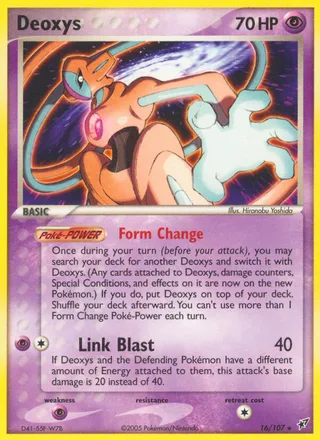
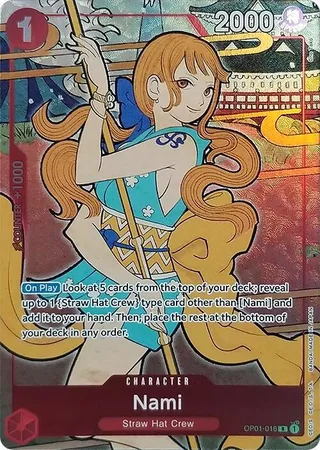












Real cards from the Vendor Vault catalog with their Near Mint market prices: the chase cards, the biggest seven-day moves to Oct 25, and a spread across both games.
The three highest market prices on this page.
Up or down, a pick of the week’s biggest moves in each game among Near Mint singles priced $20 or more, each with its line for those seven days.





Pokémon in English and Japanese, and English One Piece singles.




Each index follows the 100 highest-priced Near Mint singles in one catalog, equal-weighted.
Market prices as of Oct 25, 2026 · Near Mint. Seven-day change compares each card with its market price a week earlier. A mover’s price at each end of the week was already mostly in place the day before, so a one-day blip is not shown as a mover.
Vendor Vault follows each card from the lot it came in to the show it sold at, so the profit is already worked out when the weekend ends.
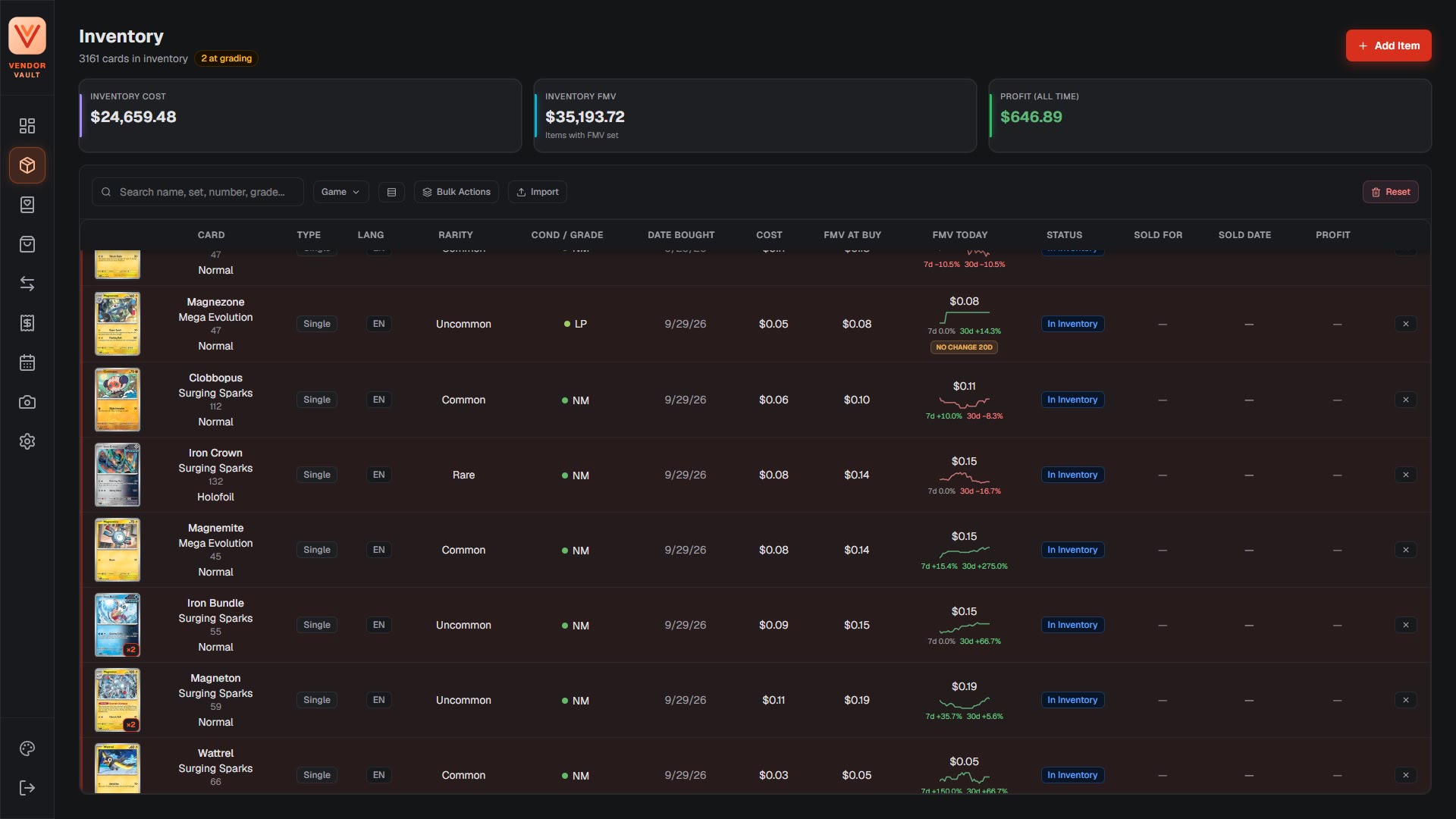
English and Japanese Pokémon and English One Piece rows are matched to the card catalog as they import.
Rows that don’t match still come in, ready to link later. A lot you bought as one purchase stays one buy, and each card carries its share of the lot’s cost, split by market value.
Every card linked to the catalog is included, with nothing to click.
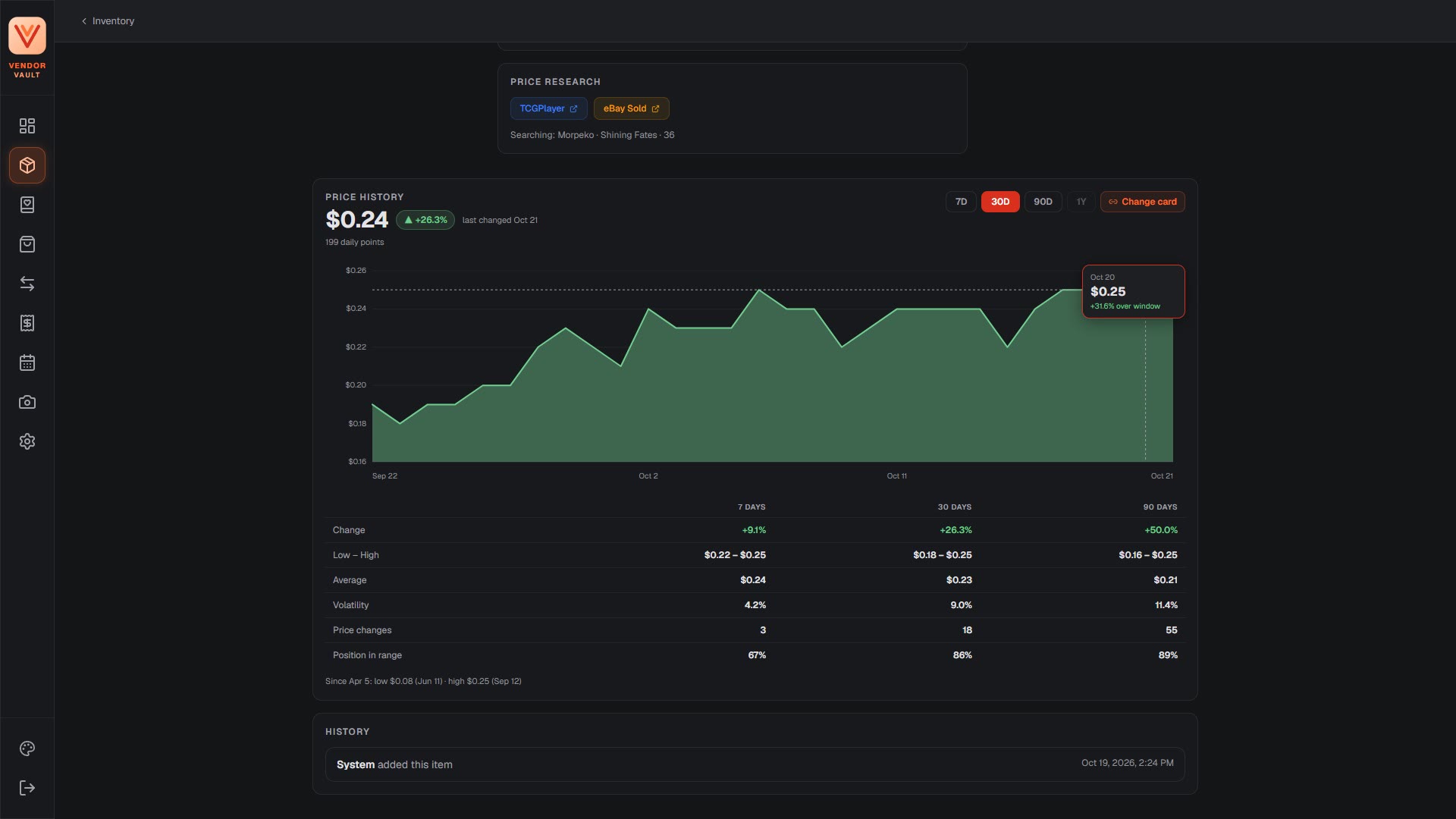
Each linked card’s page charts its price history, and a big price move is flagged when you enter a card.
Log each sale with its price, date, payment type and the show it happened at.
Sell a stack to one buyer for one price and each card takes its share by market value. A trade logs the cards going out, the cards coming in and the cash between. A sale, or a whole batch, can be undone.
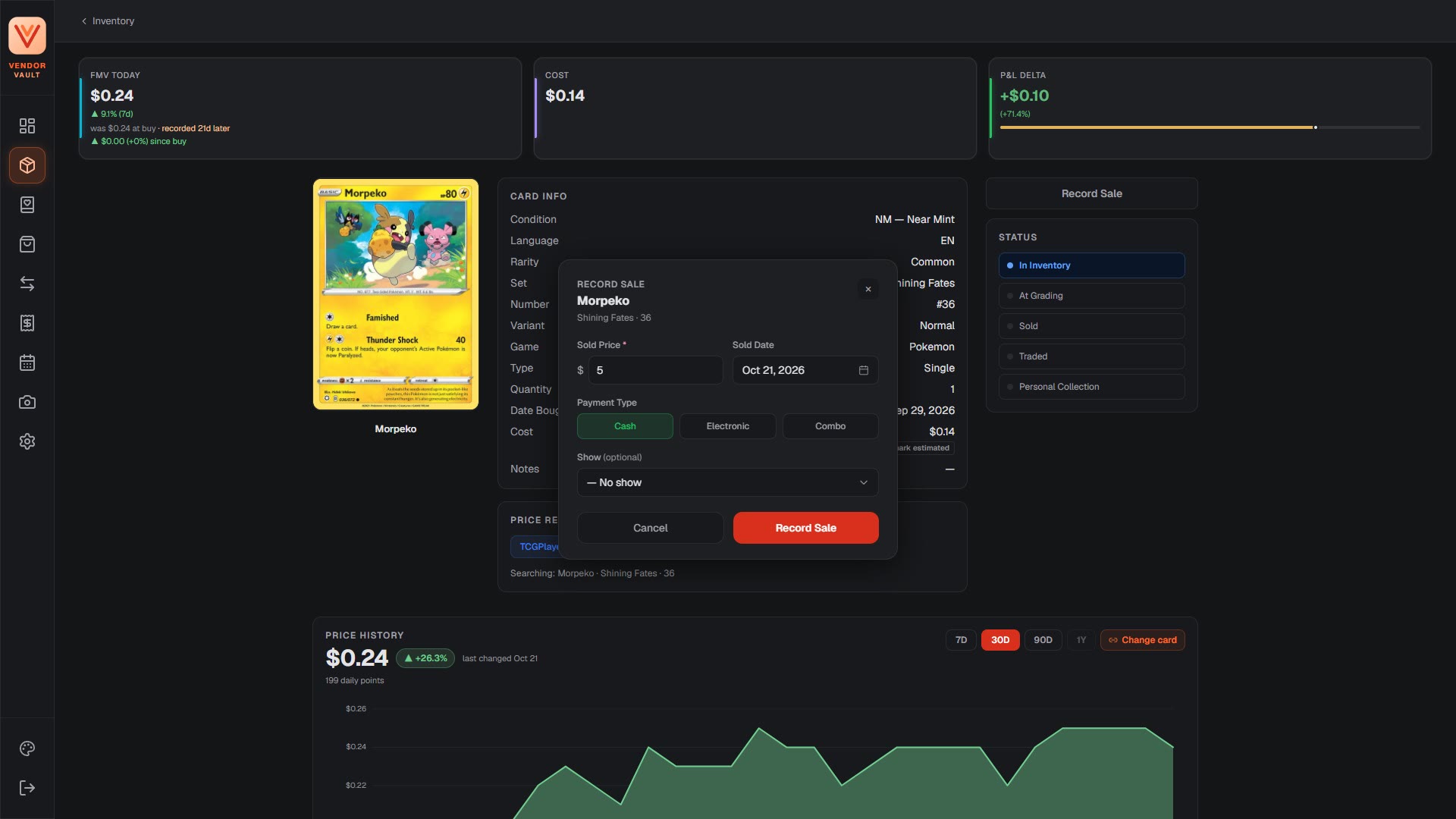
Every sold card shows its profit against what it cost, and every lot shows realized and unrealized profit.
Reports break profit down by game, by month and by set, with or without expenses. Each show gets its own revenue, profit and cash-box count, from opening cash to the closing count, over or short.
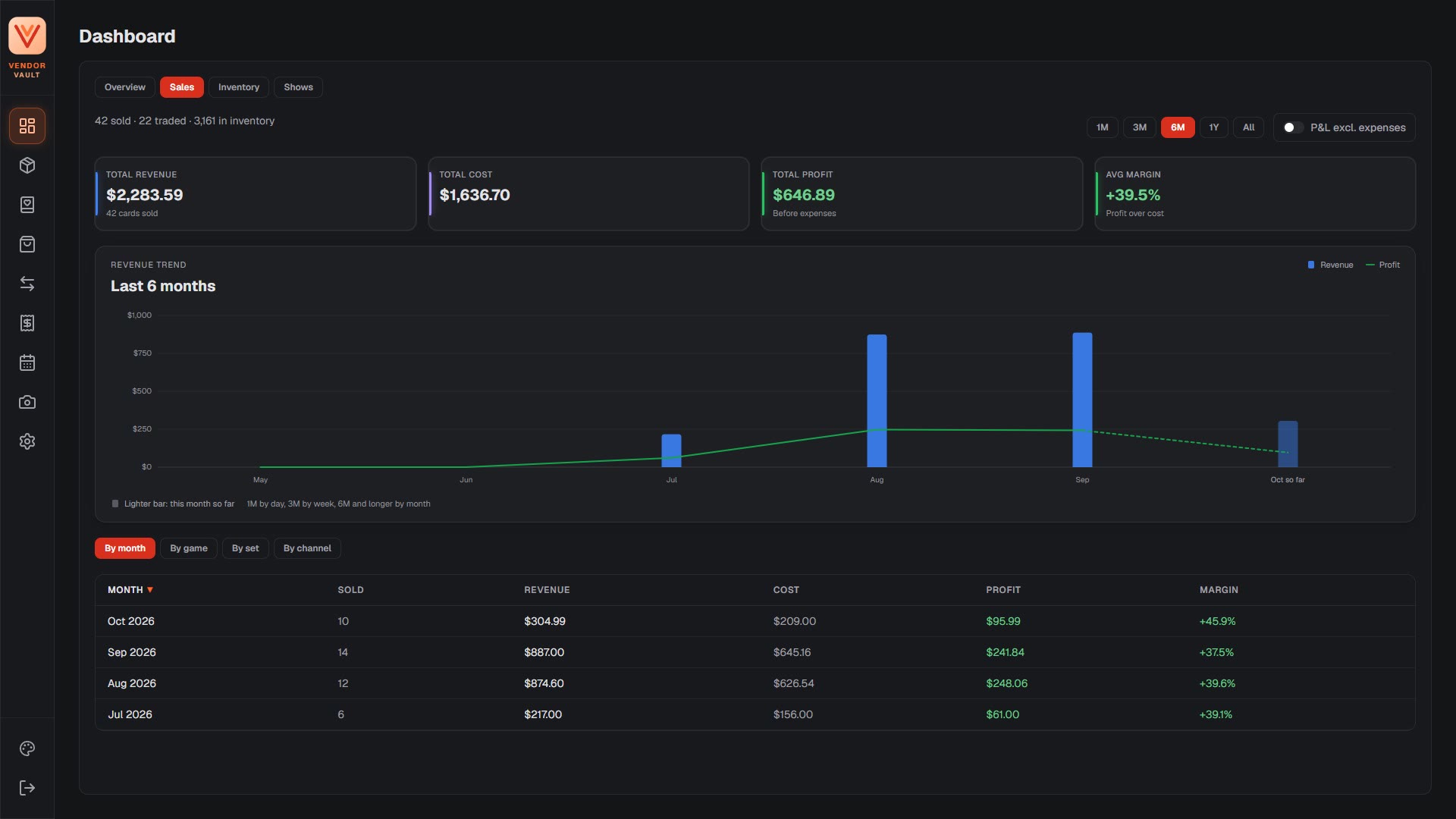
A lot opening, a card’s price history, a sale at the table, the sales page, then the reports.
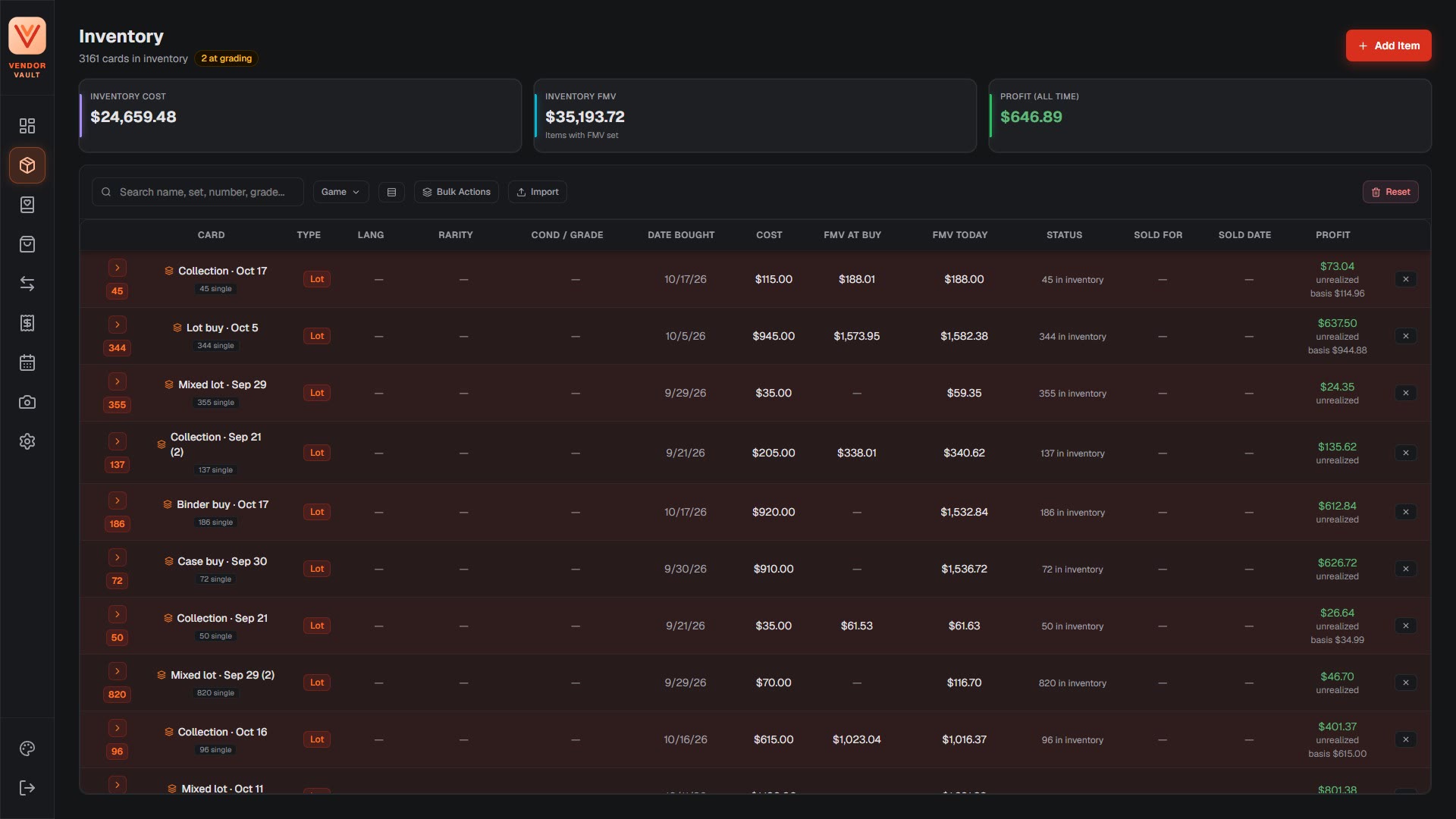
Lots and singles in one table, under totals for inventory cost, market value and profit.
Send cards out with the grading company, tier and fee, and bring them back as slabs with their grade and cert number. Grading costs land on the expense sheet by themselves.
Keep a calendar of the shows you work. Table fees and travel go on the expense sheet against the show they were for, and reports can count them or leave them out.
There’s no sign-up form yet. Send a short note about what you sell and where, and ask for an invite.
or write to hello@vendorvault.dev